10 min read
Website Redesign Checklist for Singapore SMEs: Keep Your SEO While You Rebuild
A practical redesign checklist covering when to rebuild, how to map 301 redirects, and how to protect your search rankings through a CMS migration.
David
Content Specialist
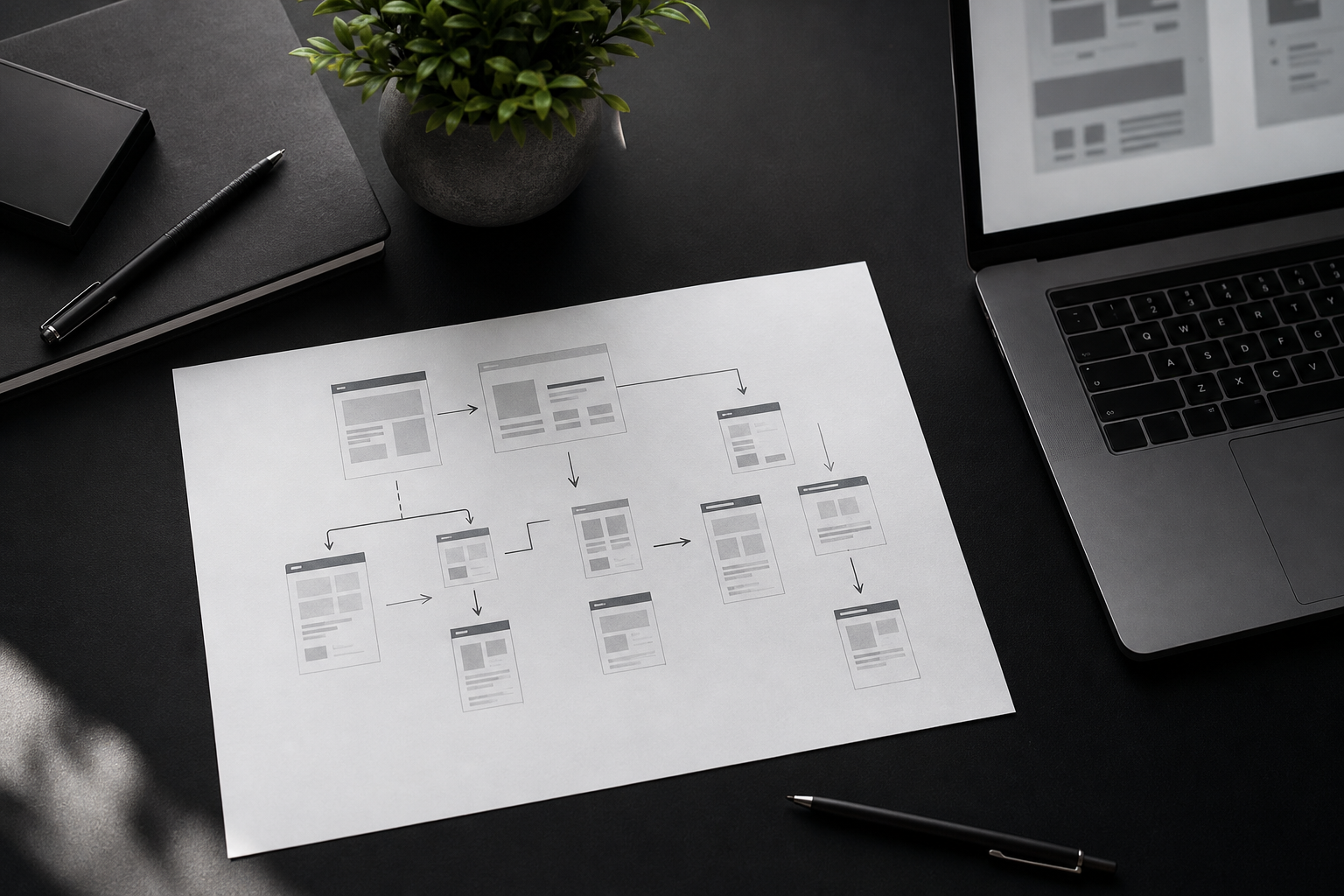
You can redesign a website without losing rankings if you treat search as part of the brief, not an afterthought. In practice that means five things: record what currently earns traffic, keep or deliberately redirect every URL that matters, carry over the titles, headings and content that work, test everything on a staging site before launch, and monitor closely afterwards. Most ranking drops after a rebuild come from changed URLs, missing redirects and thinned-out content, all of which are avoidable.
This checklist is written for Singapore SMEs. It follows the order in which a redesign with a CMS migration should run, from deciding whether to redesign at all to the first weeks after launch.
In this article
In short
- Redesign when the site holds back enquiries, is hard to edit, or no longer fits the business. A fresh look alone is not a reason.
- Record a baseline first, then give every old URL that matters a clear destination: the same address, or a permanent 301 redirect to the closest equivalent page.
- Build on a hidden staging site, test it, launch, submit the sitemap and watch Search Console.
When to redesign a website
A redesign is a business decision, so start from symptoms rather than dates. These usually justify one:
- Visitors arrive but do not enquire. Traffic is steady, yet few people book, call or message. The problem is often structure and clarity, not the logo or colours.
- The site is hard to update. If changing a menu, a price or a project photo needs a developer every time, the content goes out of date.
- It feels wrong on a phone. Small buttons, cramped text and pages that jolt as they load lose people early.
- It no longer matches the business. New services, a new brand direction or a move upmarket are good reasons to rebuild.
- The platform is dated or insecure. Unsupported plugins and old themes create risk and slow pages.
Boredom with the current look, or a competitor launching something new, usually does not justify one. If the site ranks and converts reasonably, improving key pages may serve you better than a full rebuild. The BrillianceTech Websites FAQ covers common questions about scope and process.
The redesign checklist, step by step
Step 1: Define what the redesign must achieve
Write down two or three outcomes in plain terms. Examples: more consultation bookings, direct orders instead of relying on delivery apps, or a more premium look for a fashion label. Every later decision gets tested against them.
Also list what must not change. That usually includes your domain, your best-ranking pages, your business name and address details, and any page that brings in enquiries today.
Step 2: Record your baseline before touching anything
This is the step most rebuilds skip, and it is what lets you diagnose problems later.
- Crawl the current site and export every URL with its title tag, meta description, H1 and status.
- Export pages with traffic and queries from Google Search Console and your analytics.
- Export pages with backlinks. Links from press, directories and partners are valuable and easy to break.
- Note your enquiry sources: forms, calls, WhatsApp clicks, bookings.
- Record rankings for your ten to twenty most important search terms.
- Save a full backup of the existing site and database.
Keep this in a spreadsheet. It becomes your redirect map in step 4.
Step 3: Audit content and decide what stays
Sort every page into one of four groups:
| Decision | When to use it | What happens to the URL |
|---|---|---|
| Keep | Ranks, converts, or earns links | Same URL, improved content |
| Merge | Several thin pages cover one topic | Combine, then 301 redirect the others to the merged page |
| Retire | Outdated, no traffic, no links | Redirect to the nearest relevant page, or let it return a not found response |
| Create | A gap in services or questions customers ask | New URL, added to the sitemap |
Be careful with the keep group. A page that ranks does so because of its words, headings and structure. Rewrite for clarity if you must, but do not strip the specific terms customers search for. A renovation firm that ranks for a particular type of home project should keep that wording even if the new design is more visual.
Step 4: Plan your 301 redirects
A 301 redirect tells browsers and search engines that a page has moved permanently and where it now lives. Google explains how permanent redirects work in its documentation on redirects and Google Search, and sets out the full process in its guide to moving a site with URL changes.
How to build the map:
- List every old URL from your baseline.
- Next to each, write the new URL that best matches the same topic and intent.
- Redirect page to page, not everything to the homepage. Mass redirects to the homepage are poor matches and frustrate users.
- Avoid chains. The old URL should go straight to the final URL, not through several hops.
- Include variants: with and without www, http and https, trailing slashes, and campaign URLs that are linked from elsewhere.
- Redirect image and PDF URLs that earn links or appear in search.
The simplest way to cut redirect work is to keep URLs the same where the structure still makes sense. Changing the design does not require changing the address.
Step 5: Plan structure and design with search in mind
Design should be shaped by what customers need to do.
- Navigation: keep it short and use the words customers use. A restaurant needs menu, location and booking obvious. A clinic needs treatments, who performs them, and how to book.
- Page templates: every important service, product line or treatment deserves its own page with a unique title, a single H1 and real content, not a gallery with a caption.
- Headings and text: keep real text on the page. Content that exists only as images, or sits inside effects, is harder for search engines and screen readers to use.
- Images: keep descriptive file names and alt text, and compress for speed.
- Animation: scroll animation can make a site memorable, but it must not delay or block content. Test on mid-range phones, not only on a designer's laptop.
The work gallery shows finished BrillianceTech Websites projects, which is a useful way to judge how motion and structure can sit together.
Step 6: Choose and migrate the CMS carefully
Moving to a new content management system is where redesigns most often go wrong, because URLs, metadata and content are all rebuilt at once. Check these before launch:
- Content transfer: every page you chose to keep exists in the new CMS with its title, description, headings, body text, images and alt text.
- URL structure: the CMS produces the URLs you planned, including for blog posts, categories and product pages.
- Metadata fields: editors can set titles, descriptions, canonical tags and social previews on every page type.
- Structured data: markup for business details, reviews, products and FAQs is carried over or recreated where you use it.
- Redirect handling: you know where redirects are set, whether in the CMS, on the server or at the host, and the file can be updated without a developer.
- Forms and tracking: every form, booking tool, WhatsApp button and analytics tag works. Redesigns commonly lose tracking quietly.
- Ownership: domain, content and hosting logins should be in your name.
The process page explains how a BrillianceTech Websites build moves from design to launch.
Step 7: Build on a staging site and block it from search
Work on a private staging address. Protect it with a password and keep it out of search results so unfinished pages are not indexed. The common mistake is the reverse: the staging block is copied to the live site on launch day and quietly tells search engines to ignore everything. Check this first after launch.
Step 8: Test before launch
Run through this list on staging:
- Crawl the staging site and compare it with your baseline spreadsheet.
- Test every redirect in your map. Each should return a permanent redirect to the right page, in one hop.
- Check titles, descriptions, H1s and canonical tags on key pages.
- Check internal links point to the new URLs, not to redirects.
- Test speed and layout stability on mobile. Google's Core Web Vitals guidance on web.dev gives benchmarks for loading, responsiveness and visual stability.
- Test forms, bookings, ordering and tracking end to end.
- Check accessibility basics: contrast, keyboard use, alt text.
- If forms or tracking collect personal data, review your consent wording and privacy notice against Singapore's Personal Data Protection Act, which the PDPC administers.
Step 9: Launch at a quiet time
Choose a low-traffic moment, avoid launching just before a major promotion or festive peak, and keep the team available afterwards. On launch day:
- Switch the site live and remove the staging block.
- Load redirects and spot-check the highest-value URLs.
- Confirm the robots file and sitemap are correct.
- Submit the new XML sitemap in Google Search Console.
- Check that the Google Business Profile and social profiles link to the right pages.
- Update links you control: email signatures, directories, ads and partner sites.
Step 10: Monitor for the first weeks
Expect some movement. Rankings can wobble while search engines recrawl, so what matters is the pattern.
- Check Search Console for crawl errors, not found pages and indexing problems daily at first, then weekly.
- Compare traffic and enquiries with your baseline.
- Fix any broken redirect or missing page quickly.
- Keep old redirects in place for a long time. Old links and bookmarks keep arriving well after launch.
- Re-crawl the live site and compare it with staging.
What this looks like by business type
The checklist is the same, but the priorities differ.
- Restaurants and F&B: protect menu, location and booking pages, and make sure opening hours and ordering links are current.
- Interior design and renovation: protect project pages, since they often carry both the rankings and the enquiries.
- Fashion, luxury and retail: protect category and product URLs and keep editorial pages. A premium feel comes from design and speed, not from changing every address.
- Clinics, spas and skincare: protect treatment and product explanation pages, which build trust and often match what people search.
Browse more sectors on the industries page, or look through the library for ideas on what a rebuilt site could include.
Our view
A redesign should add to the trust your site has already earned, not reset it.
Every BrillianceTech Websites site is designed and built from a blank page, with no templates, no page builders and no shortcuts. The aim is to help Singapore businesses stand out and convert more visitors into enquiries.
Our opinion: the best redesign changes what customers see and leaves search signals alone. Plan redirects before design, keep what ranks, and test before you switch.
If you are weighing a redesign, a no-commitment conversation is a low-pressure way to find out what yours needs.
FAQ
Will a website redesign hurt my SEO?
Not necessarily. Rankings usually drop when URLs change without redirects, content is thinned out, or pages are accidentally blocked. Keep what ranks, redirect what moves and test before launch. Google's guide to moving a site with URL changes covers the process.
When should I redesign my website?
When the site is stopping enquiries, is hard to update, performs badly on mobile, or no longer reflects the business. A change of taste alone is not enough.
How do I redesign without losing rankings?
Record a baseline, keep existing URLs where possible, map a 301 redirect for every old page that moves, keep your best content, and monitor Search Console after launch.
What are 301 redirects and why do they matter in a redesign?
A 301 is a permanent redirect from an old address to a new one. It sends visitors and search engines to the right page, so links tied to the old URL are not lost. See Google's redirects documentation.
Should I redirect everything to the homepage?
No. Redirect each old page to the most relevant new page. Sending everything to the homepage confuses users and search engines.
Does a redesign affect my PDPA obligations?
It can. New forms, tracking tools or booking systems may collect personal data in new ways, so review your consent wording and privacy notice against the PDPA before launch.